Changelog

The agreement now shows the project's own rate and add-ons

Booking and agreement

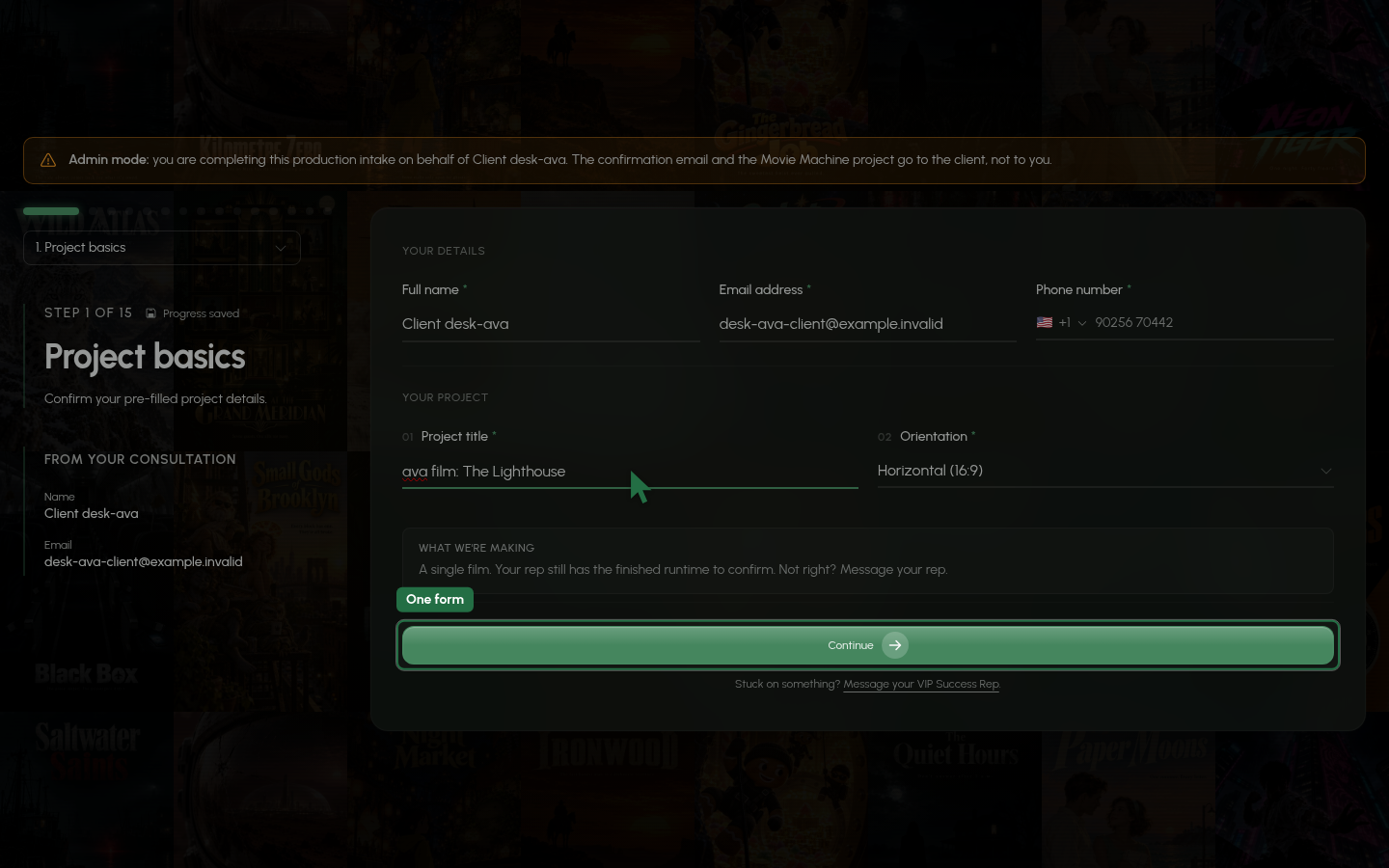
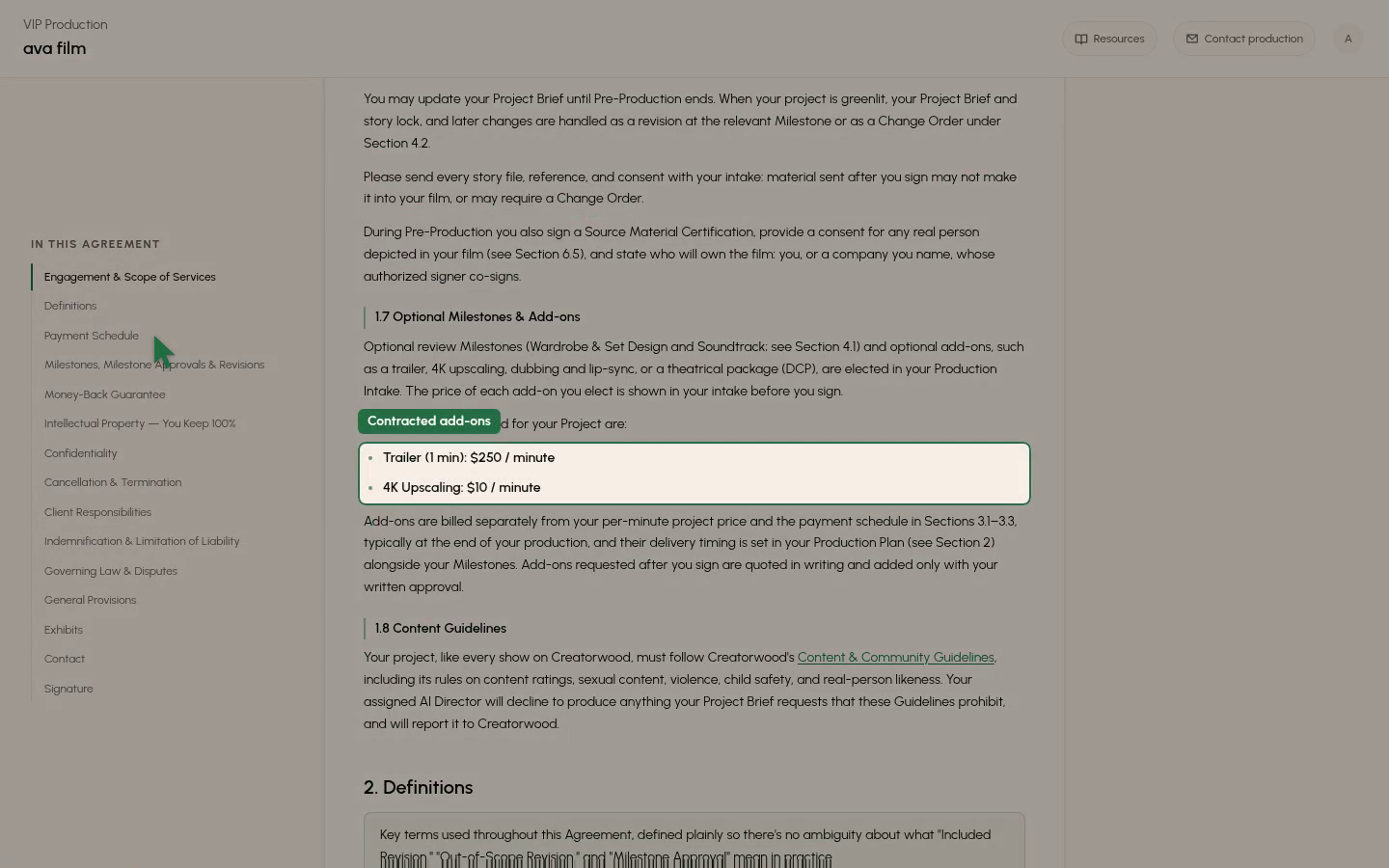
The VIP agreement now prints the project's per-minute rate and its contracted add-ons with prices, instead of listing the standard tiers. A client cannot sign a price that changed while their page was open, and a price change never counts as a rep's edit to the wording.
0:00
-0:00

New features3

  • Onboarding and payouts

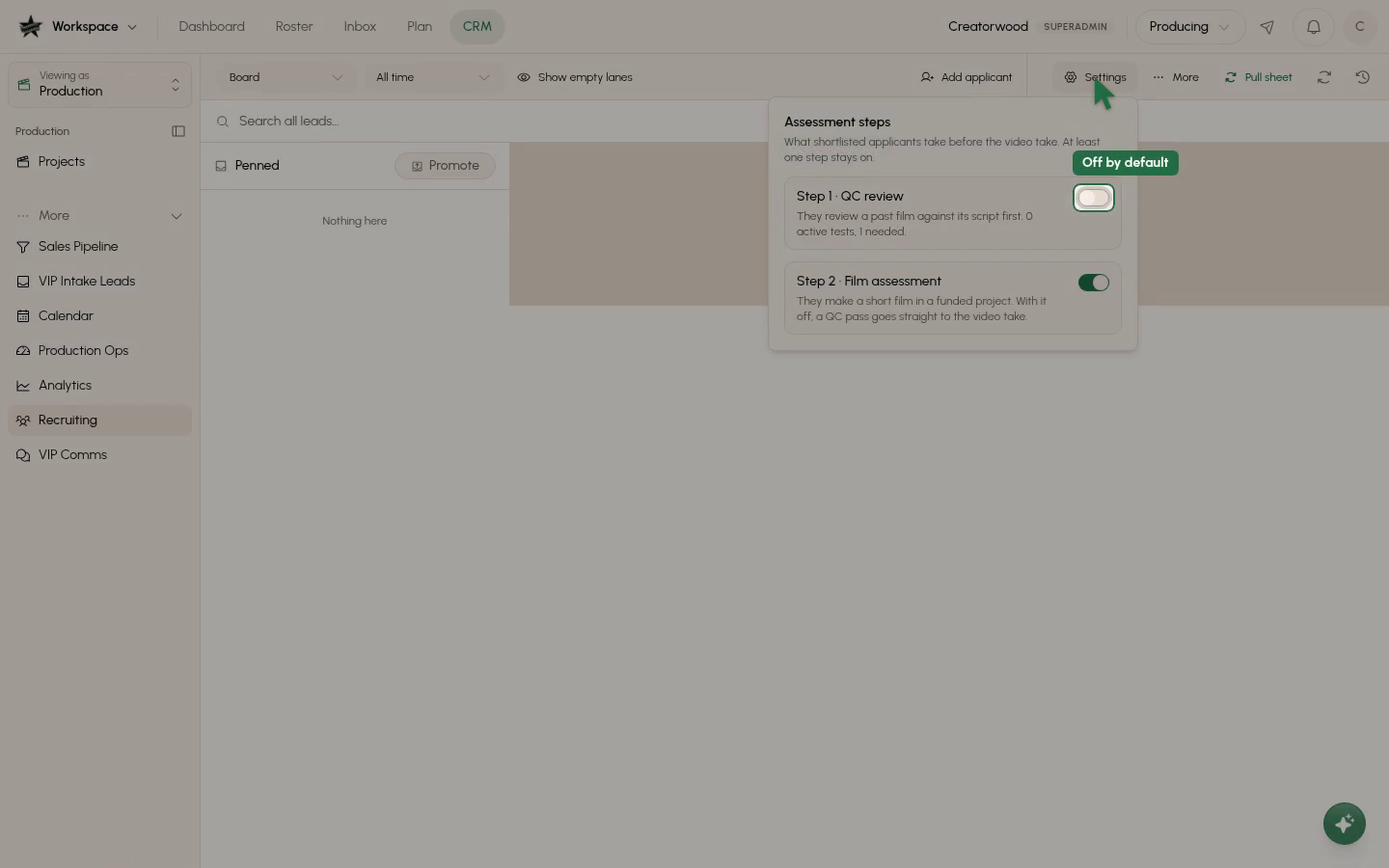
    Applicants can start with an optional QC review step

    Director applicants can now be asked to watch a past film beside its script and leave timecoded comments on its mistakes before the film assessment.
    0:00
    -0:00
  • Intake

    References accept zip, PowerPoint, Final Draft and caption files

    You can now add .zip, .pptx, .ppt, .xlsx, .fdx, .srt and .vtt files to a project's References, on the client plan page and in the production drawer.

  • Intake

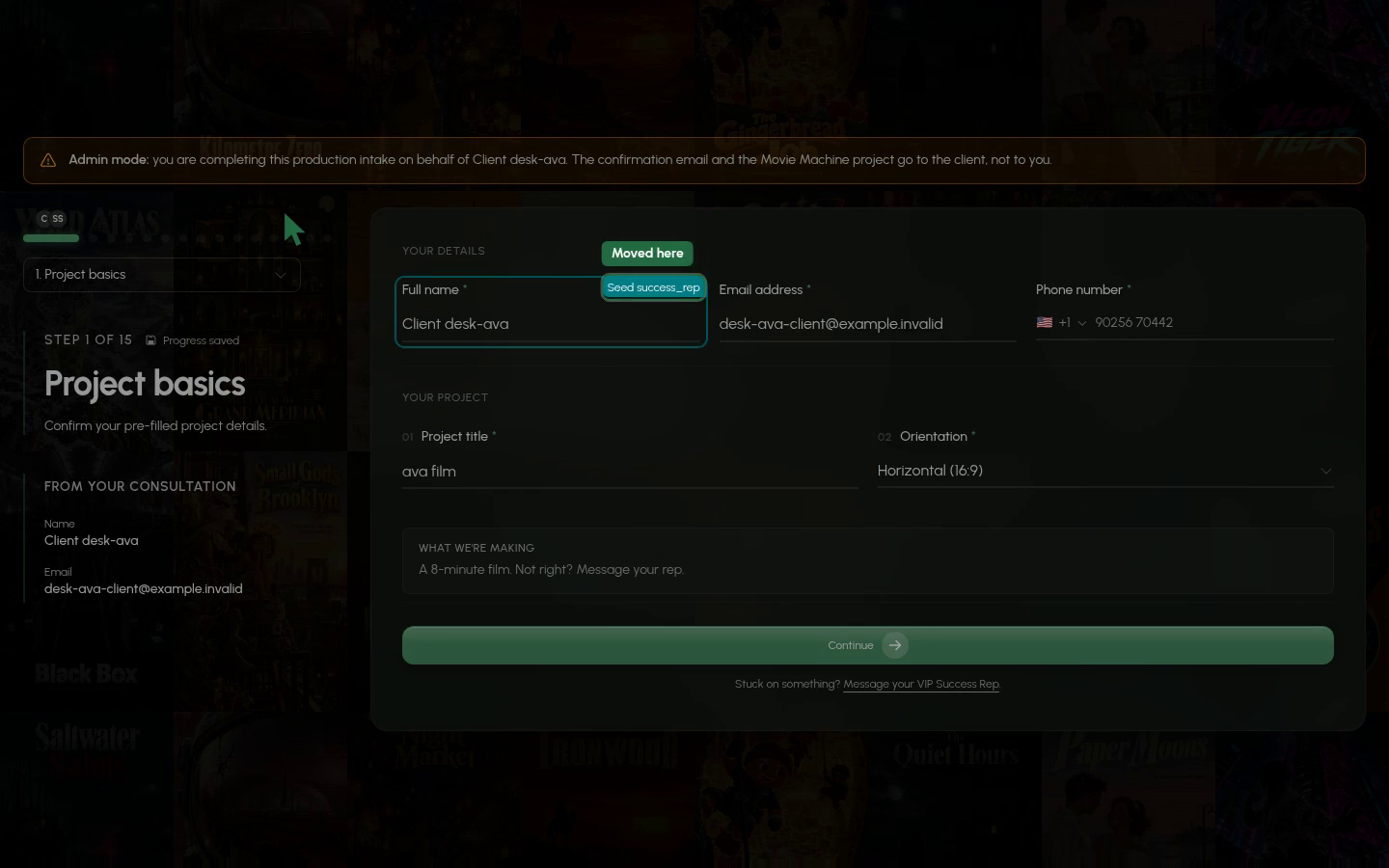
    See who else is editing which intake question

    The live intake form now draws a coloured ring and a name tag on the question someone else is in.
    0:00
    -0:00

Client and rep fill in the same live intake form

Intake

Clients and reps can now work in one shared intake form at the same time and see each other's typing as it happens. Files added on either side show up for both, and a save indicator shows when everything is saved. The old 'Start over' option and resume prompt are gone, and Submit waits until all changes are saved.

0:00
-0:00
Director workspace

Directors must pass a Project Briefing course before working

Directors now have to pass the Project Briefing course before they can launch or edit a project. Every new project gets a briefing, and staff choose in the CRM which existing projects get one. Saving a Director Overview sends contracted directors back through the course, including one mid-production.

New features6

  • Director workspace

    Briefing course adds written answers and a chat beside the lesson

    Directors can now answer Multi (pick every right option) and Text (written answer, graded automatically) questions, and ask a briefing chat for help.

  • Client reviews

    Clients can change a character's voice in the Director's Notes chat

    Clients can now ask the Director's Notes chat for a voice change and hear the new take in the same session.

  • Client reviews

    Clients can attach their own recording to become a voice

    Clients can now attach a recording in the Director's Notes chat and use it as a character's voice.

  • Client reviews

    Clients can ask Director's Notes chat for outfits and sets

    Clients in the Director's Notes step can ask the chat for an outfit or set, such as a wedding dress, and see a preview right in the chat.

  • Client reviews

    Director's Notes chat remembers your earlier requests

    Clients can now say 'like I said last time' in Director's Notes chat, and it knows what they asked for in earlier rounds on the same item.

  • Client emails and texts

    Clients add references from their plan page

    VIP clients can add photos, voice clips, documents and links from the References section of their plan page once intake is submitted, and until the film is delivered.

Improvements4

  • Intake

    Each reference file is now its own entry

    Clients now see one card per file in the intake References step, where a character, location or prop with several files used to be a single card.

  • Client reviews

    Clients get 10 chat edits per item, up from 3

    In the Director's Notes chat, a client can now make 10 edits per item (entity image, voice or poster) in each round, up from 3.

  • Client reviews

    Chat hands unmet asks to the team as notes

    The Director's Notes chat now stops editing when more edits are unlikely to get the client what they want, and saves the ask as a note for the team.

  • Booking and agreement

    Agreement now covers blurry footage and out-of-sync audio

    Clients are now covered for out-of-focus, blurry or low-detail footage and for sound effects or music out of sync with the picture.