Changelog

The agreement now shows the project's own rate and add-ons

VIP Production · Booking and agreement

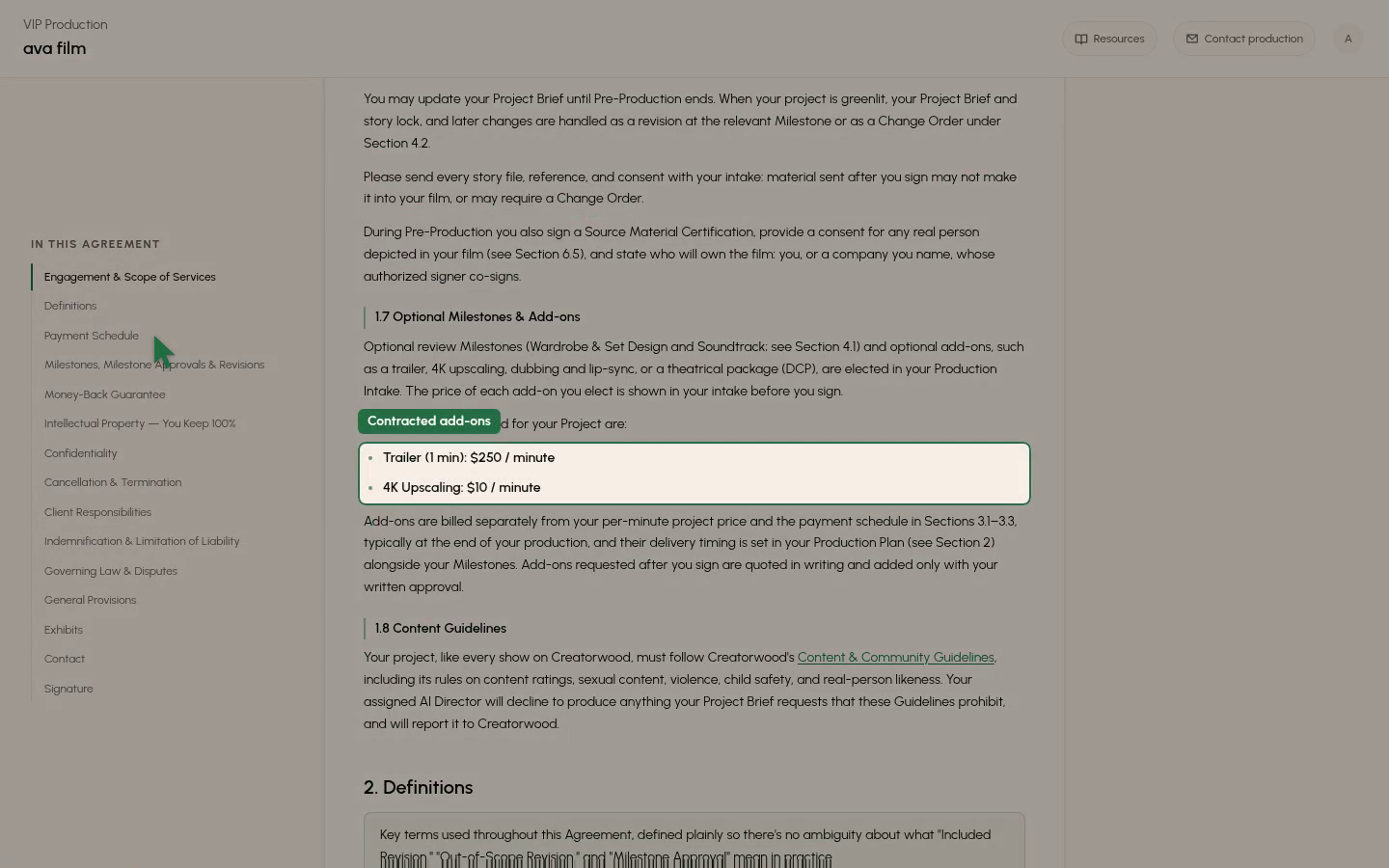
The VIP agreement now prints the project's per-minute rate and its contracted add-ons with prices, instead of listing the standard tiers. A client cannot sign a price that changed while their page was open, and a price change never counts as a rep's edit to the wording.
0:00
-0:00

New features5

  • Movie Machine · The editor

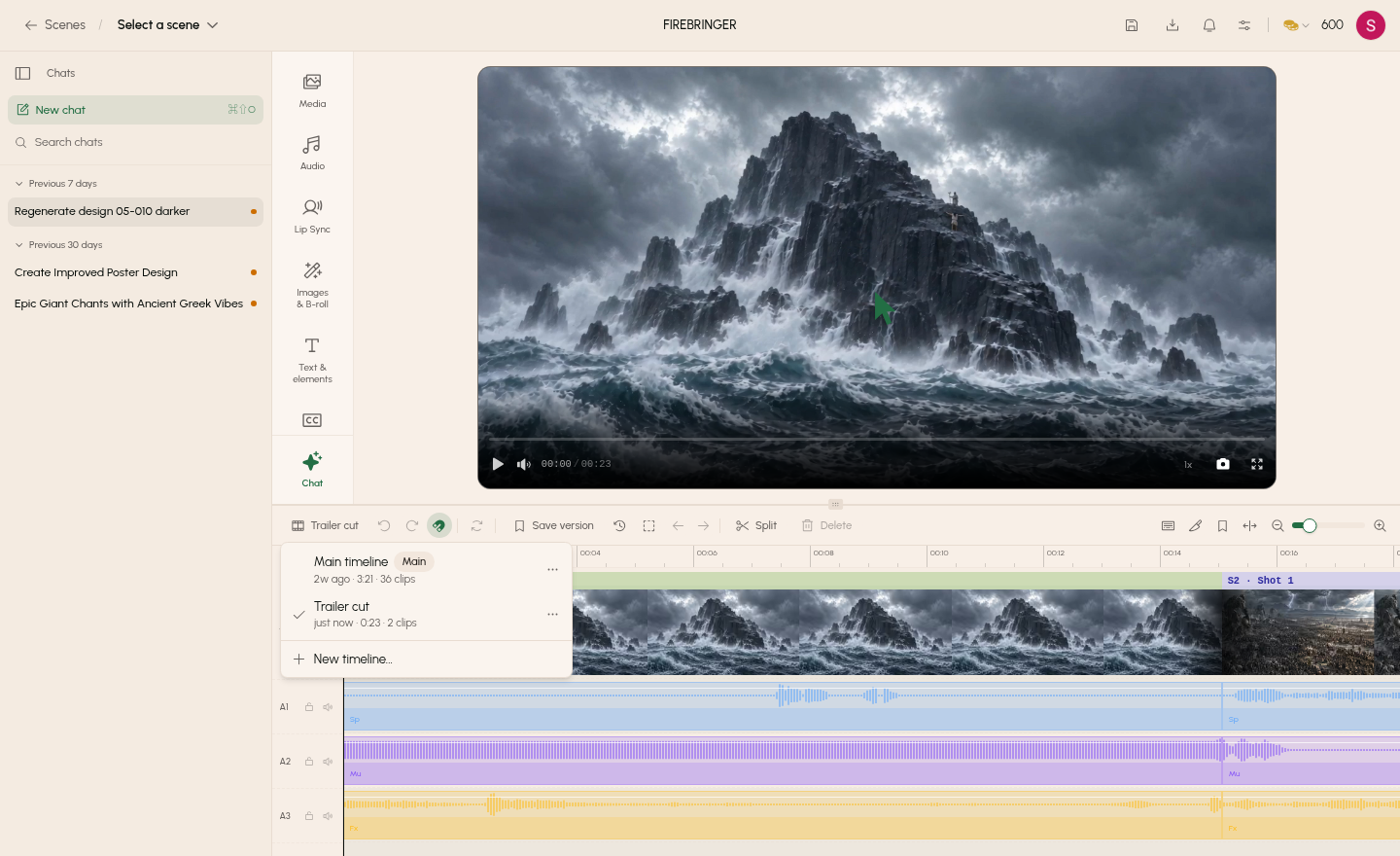
    Keep several named timelines in one project

    You can now save and open several named timelines in one project, with one marked Main, from the new switcher beside Save version.
    0:00
    -0:00
  • Movie Machine · Chat

    Chat can list, create and edit named timelines

    Chat can now list your timelines, create a new one, and read or edit any timeline by name, not just the one open in the editor.

  • VIP Production · Onboarding and payouts

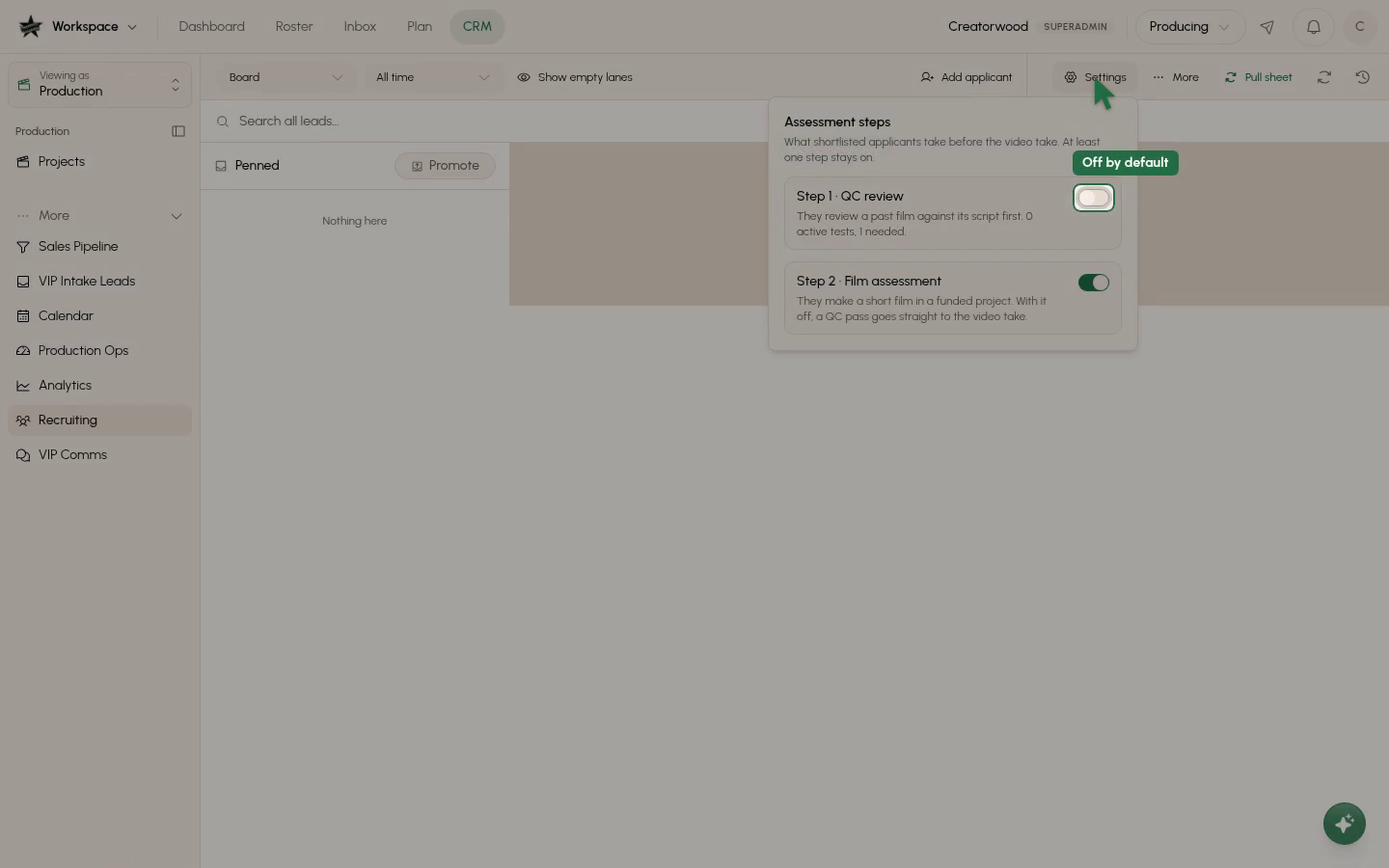
    Applicants can start with an optional QC review step

    Director applicants can now be asked to watch a past film beside its script and leave timecoded comments on its mistakes before the film assessment.
    0:00
    -0:00
  • VIP Production · Intake

    References accept zip, PowerPoint, Final Draft and caption files

    You can now add .zip, .pptx, .ppt, .xlsx, .fdx, .srt and .vtt files to a project's References, on the client plan page and in the production drawer.

  • VIP Production · Intake

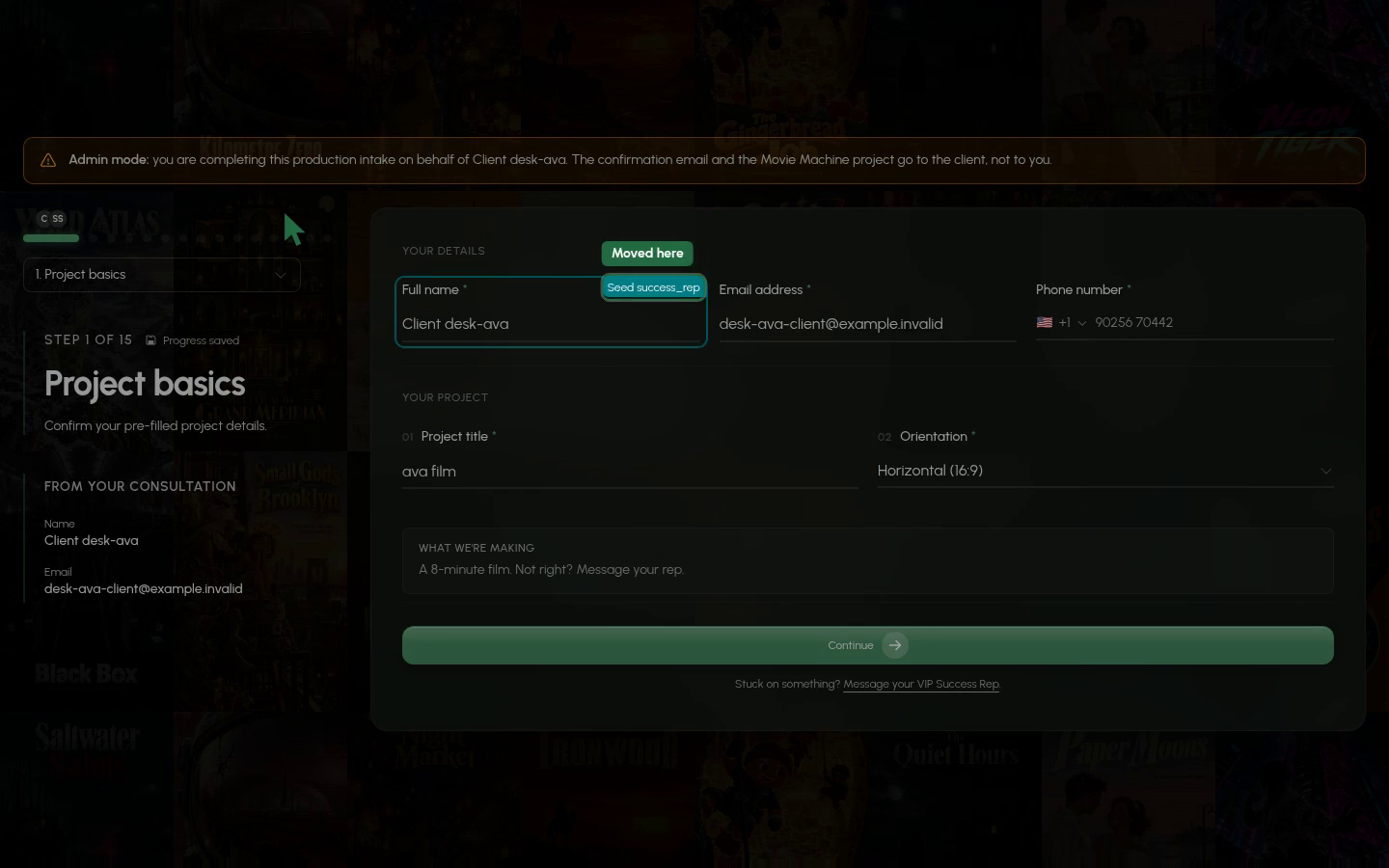
    See who else is editing which intake question

    The live intake form now draws a coloured ring and a name tag on the question someone else is in.
    0:00
    -0:00

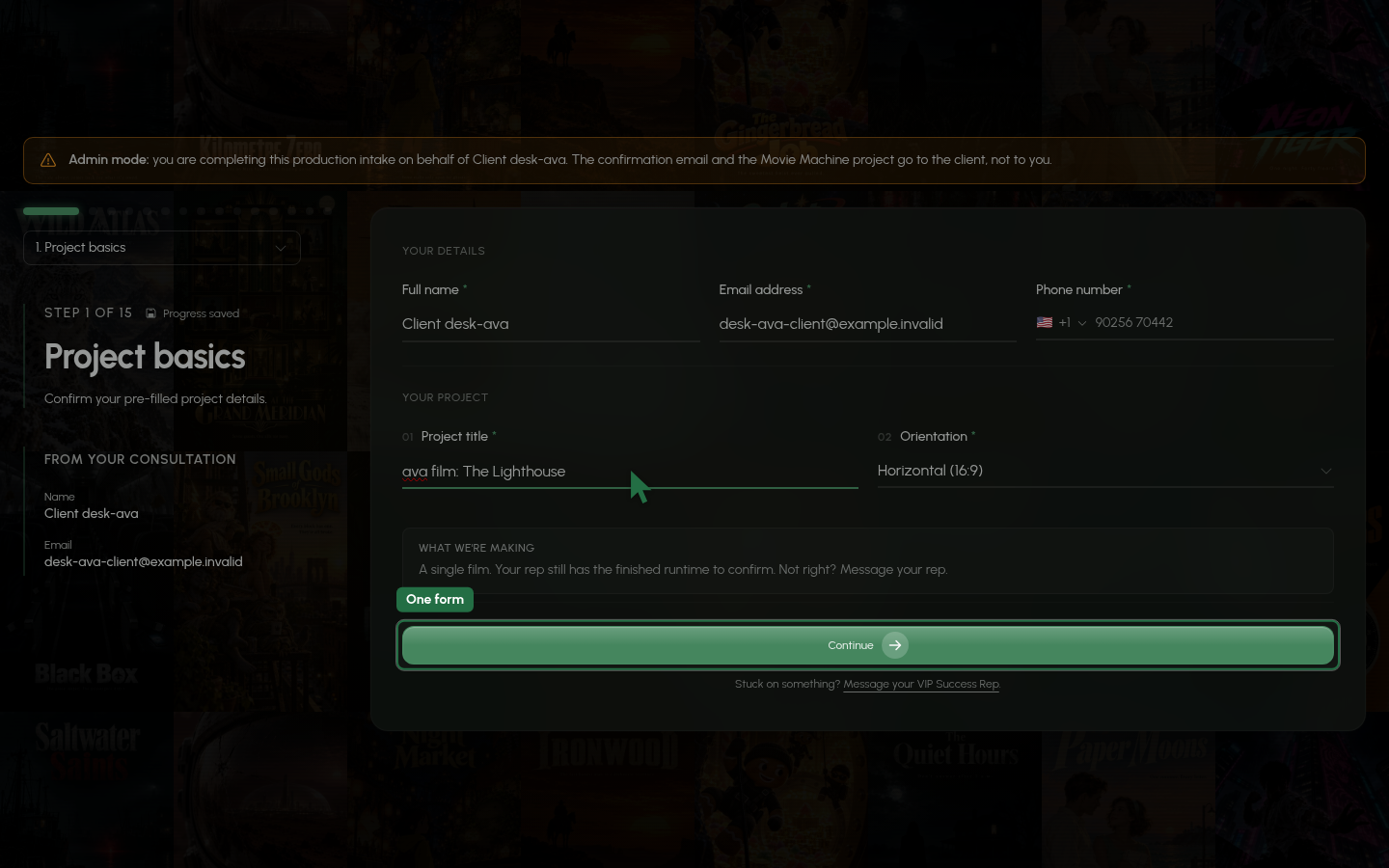
Client and rep fill in the same live intake form

VIP Production · Intake

Clients and reps can now work in one shared intake form at the same time and see each other's typing as it happens. Files added on either side show up for both, and a save indicator shows when everything is saved. The old 'Start over' option and resume prompt are gone, and Submit waits until all changes are saved.

0:00
-0:00
VIP Production · Director workspace

Directors must pass a Project Briefing course before working

Directors now have to pass the Project Briefing course before they can launch or edit a project. Every new project gets a briefing, and staff choose in the CRM which existing projects get one. Saving a Director Overview sends contracted directors back through the course, including one mid-production.

New features8

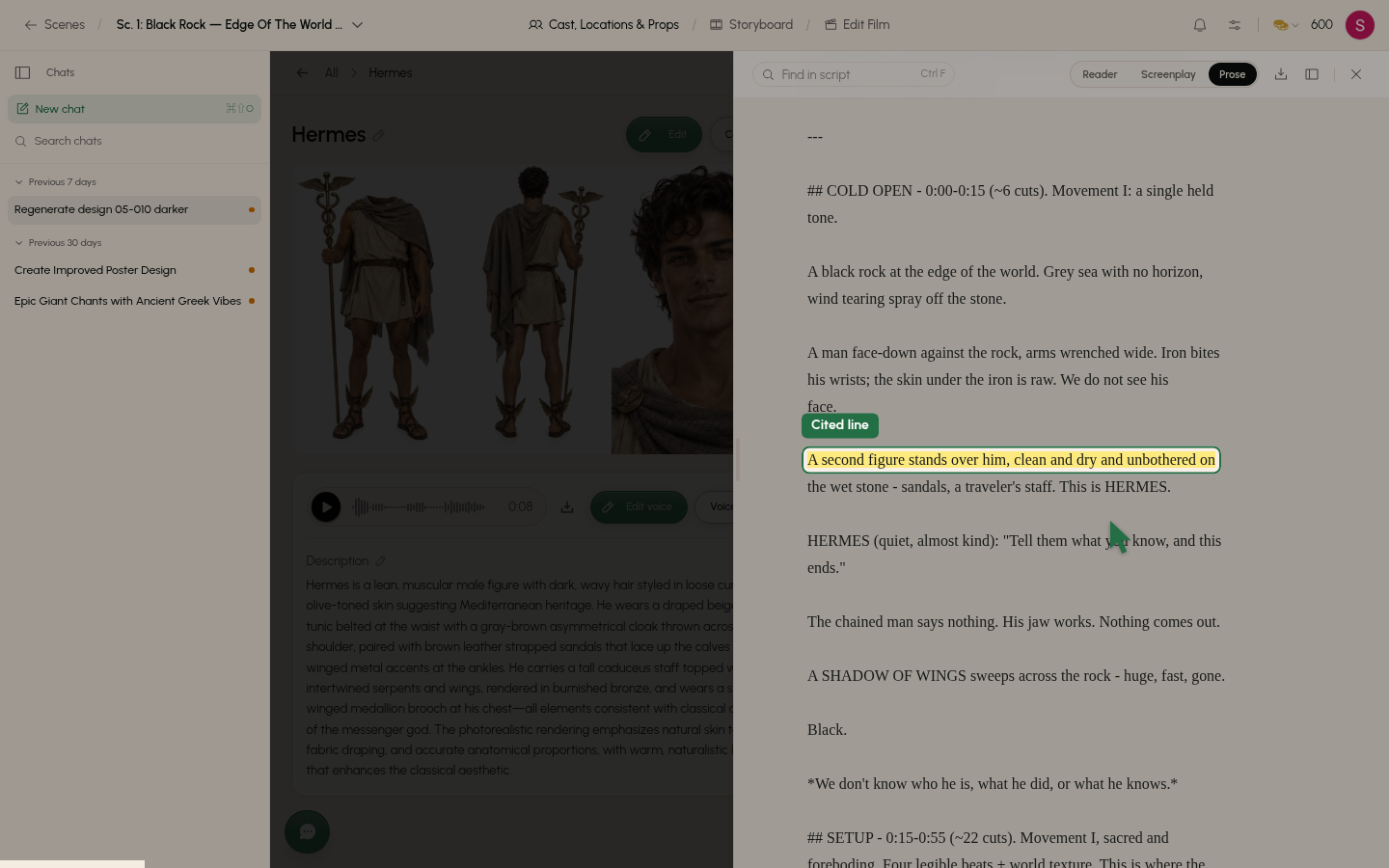
  • Movie Machine · Cast, sets and props

    See where each cast card comes from and browse by group

    You can now see the script passages each character, location or prop was taken from, and click a citation to open it in the script panel.

    0:00
    -0:00
  • VIP Production · Director workspace

    Briefing course adds written answers and a chat beside the lesson

    Directors can now answer Multi (pick every right option) and Text (written answer, graded automatically) questions, and ask a briefing chat for help.

  • VIP Production · Client reviews

    Clients can change a character's voice in the Director's Notes chat

    Clients can now ask the Director's Notes chat for a voice change and hear the new take in the same session.

  • VIP Production · Client reviews

    Clients can attach their own recording to become a voice

    Clients can now attach a recording in the Director's Notes chat and use it as a character's voice.

  • VIP Production · Client reviews

    Clients can ask Director's Notes chat for outfits and sets

    Clients in the Director's Notes step can ask the chat for an outfit or set, such as a wedding dress, and see a preview right in the chat.

  • VIP Production · Client reviews

    Director's Notes chat remembers your earlier requests

    Clients can now say 'like I said last time' in Director's Notes chat, and it knows what they asked for in earlier rounds on the same item.

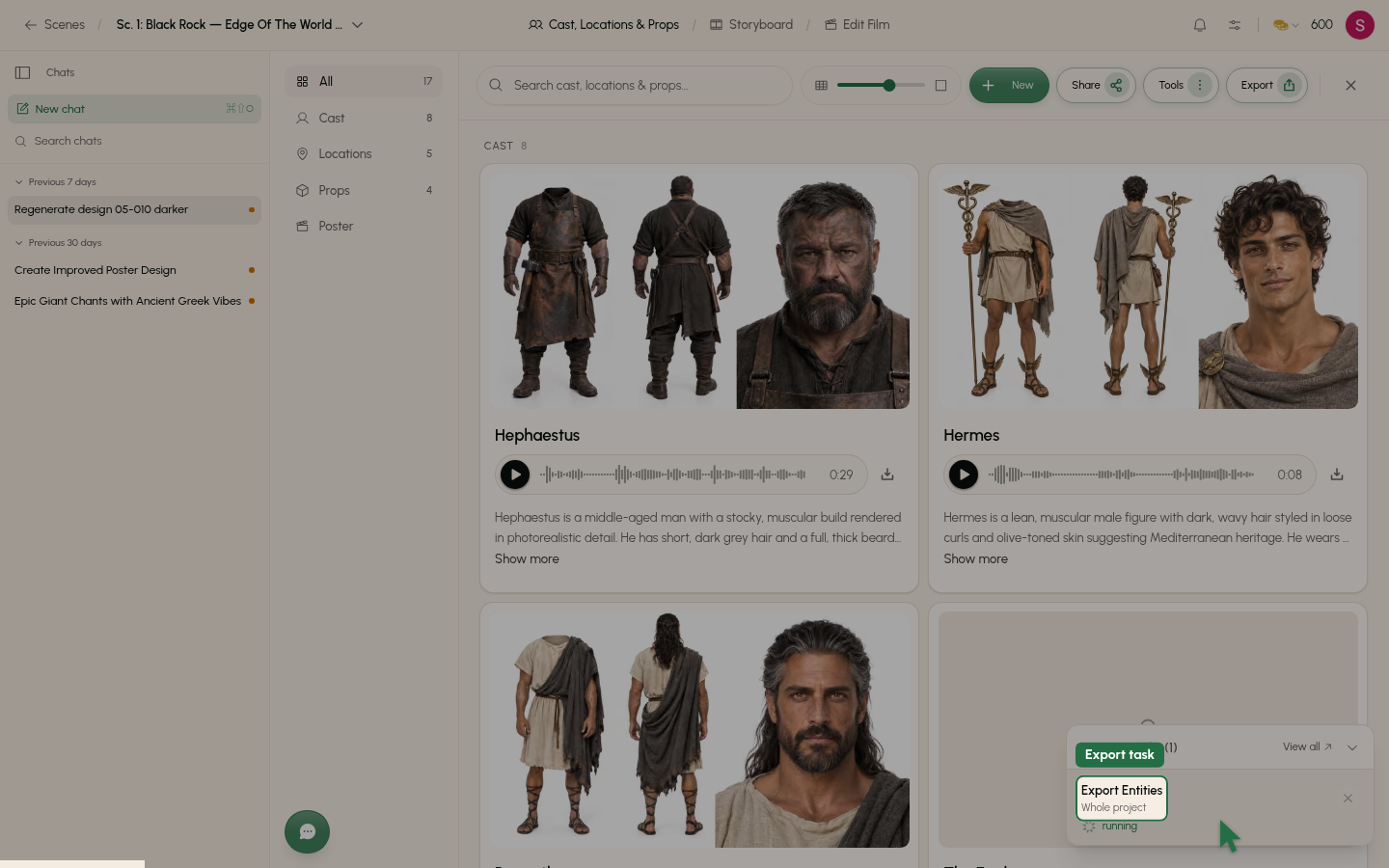
  • Movie Machine · Exports and downloads

    Export your entities as a sheet and a zip

    You can now export your project's entities from the library's Export menu.

    0:00
    -0:00
  • VIP Production · Client emails and texts

    Clients add references from their plan page

    VIP clients can add photos, voice clips, documents and links from the References section of their plan page once intake is submitted, and until the film is delivered.

Improvements9

  • VIP Production · Intake

    Each reference file is now its own entry

    Clients now see one card per file in the intake References step, where a character, location or prop with several files used to be a single card.

  • Movie Machine · Cast, sets and props

    Story import sorts cast, sets and props into cleaner cards

    Importing a story now builds cards with firmer rules about what counts as a prop, a location or part of another card.

  • Movie Machine · Shots and scenes

    Start frames choose each character's outfit from the scene script

    Start frames now read each scene's script to decide what every character, location or prop should look like.

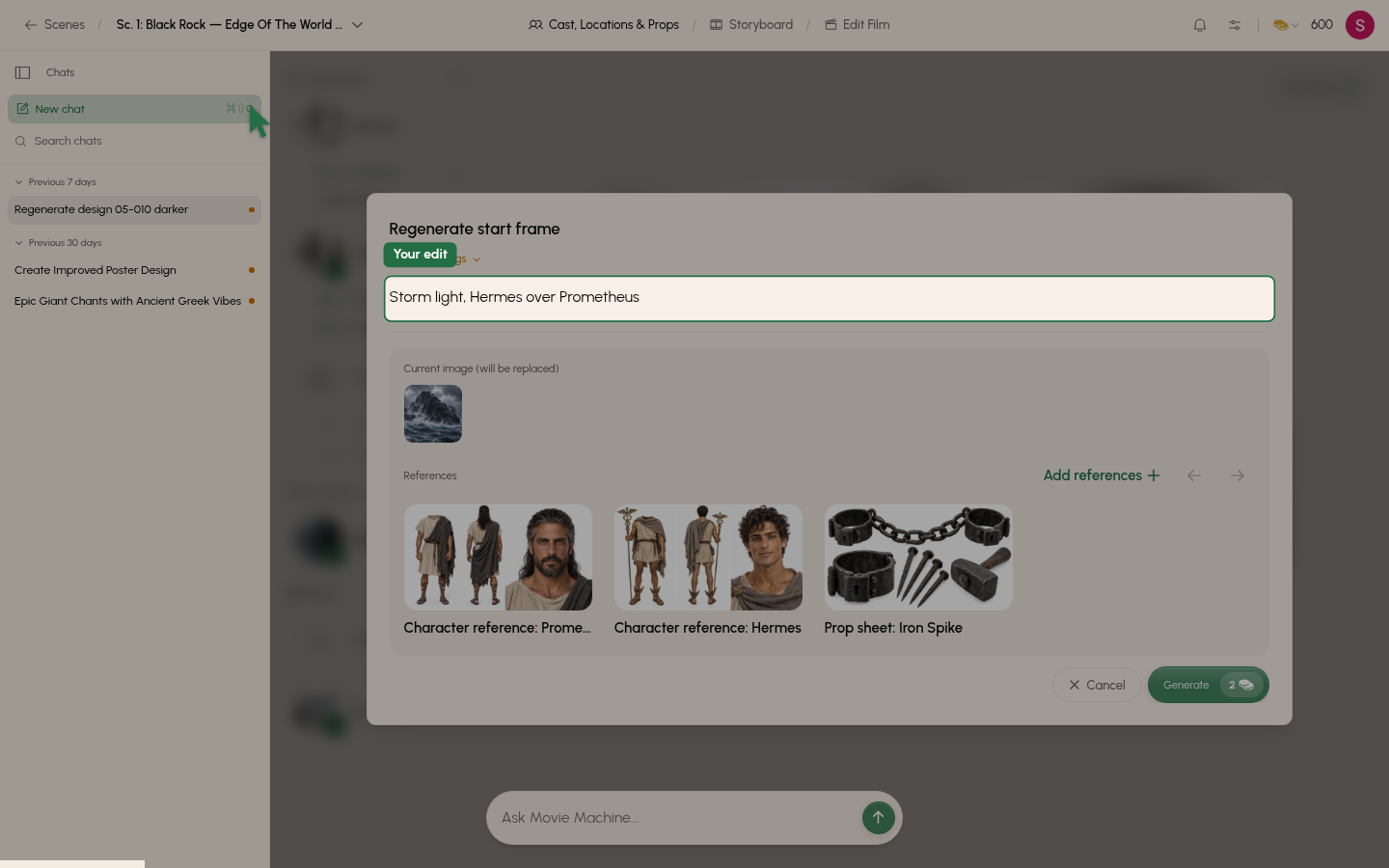
  • Movie Machine · Shots and scenes

    Regenerate start frame opens in the scene, not over everything

    You can now keep using the chat and the top bar while a Regenerate start frame proposal is open.

    0:00
    -0:00
  • VIP Production · Client reviews

    Clients get 10 chat edits per item, up from 3

    In the Director's Notes chat, a client can now make 10 edits per item (entity image, voice or poster) in each round, up from 3.

  • VIP Production · Client reviews

    Chat hands unmet asks to the team as notes

    The Director's Notes chat now stops editing when more edits are unlikely to get the client what they want, and saves the ask as a note for the team.

  • VIP Production · Booking and agreement

    Agreement now covers blurry footage and out-of-sync audio

    Clients are now covered for out-of-focus, blurry or low-detail footage and for sound effects or music out of sync with the picture.

  • Movie Machine · Models

    GPT Image Sunburst and Flare now run on version 2.6

    GPT Image Sunburst and Flare now use OpenAI's version 2.6, which is about 50% faster, at the same token rates as before.

  • Movie Machine · Exports and downloads

    Entity export zips are far smaller to download

    Entity exports now download much smaller, because character, set and look images are saved as JPEG instead of PNG.

Updates for Oct 31, 2026

New features3

  • Movie Machine · The editor

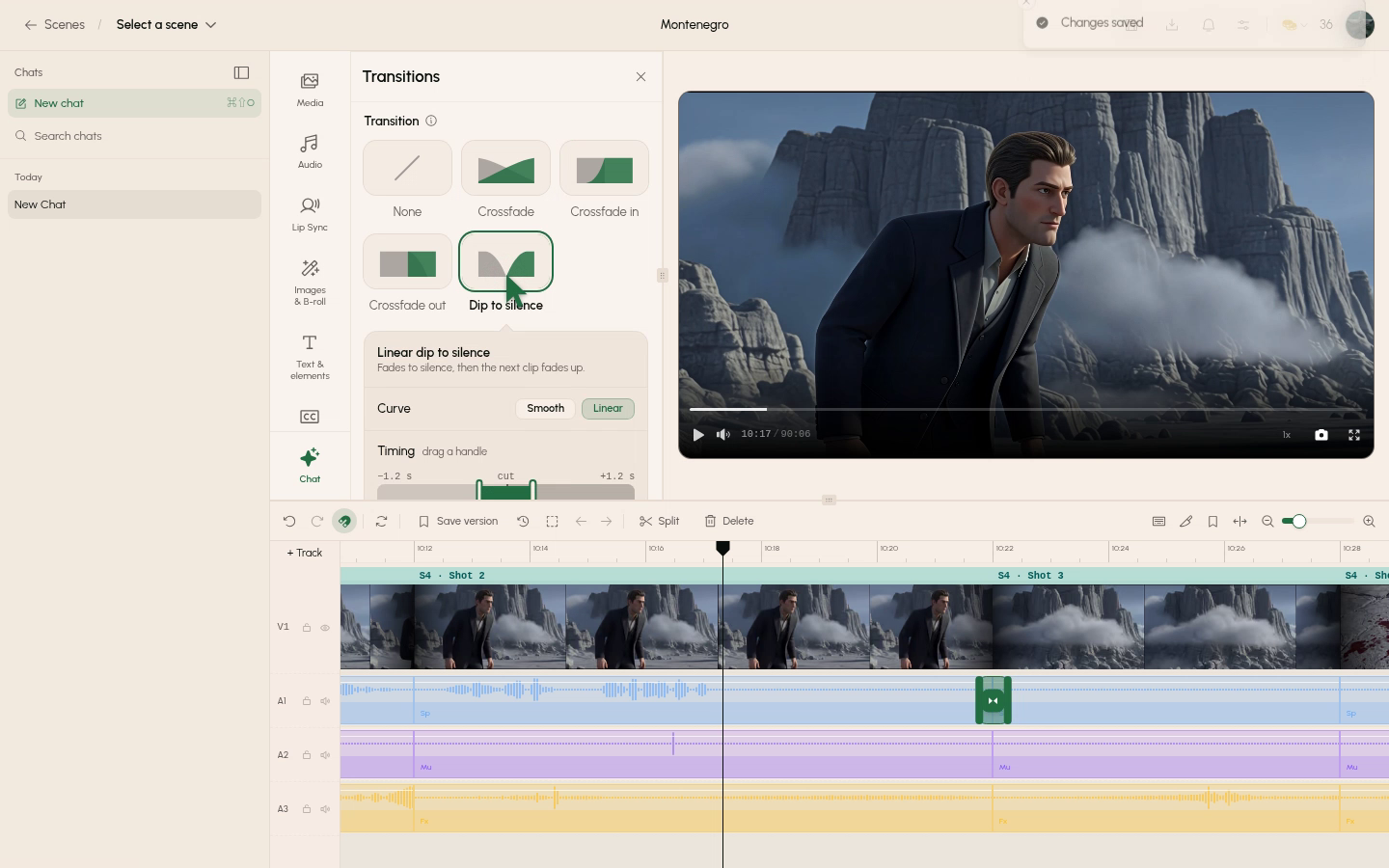
    Four audio transitions for any audio cut

    Choose from four audio transitions on any cut, each with a Smooth or Linear curve.

    0:00
    -0:00
  • Movie Machine · Shots and scenes

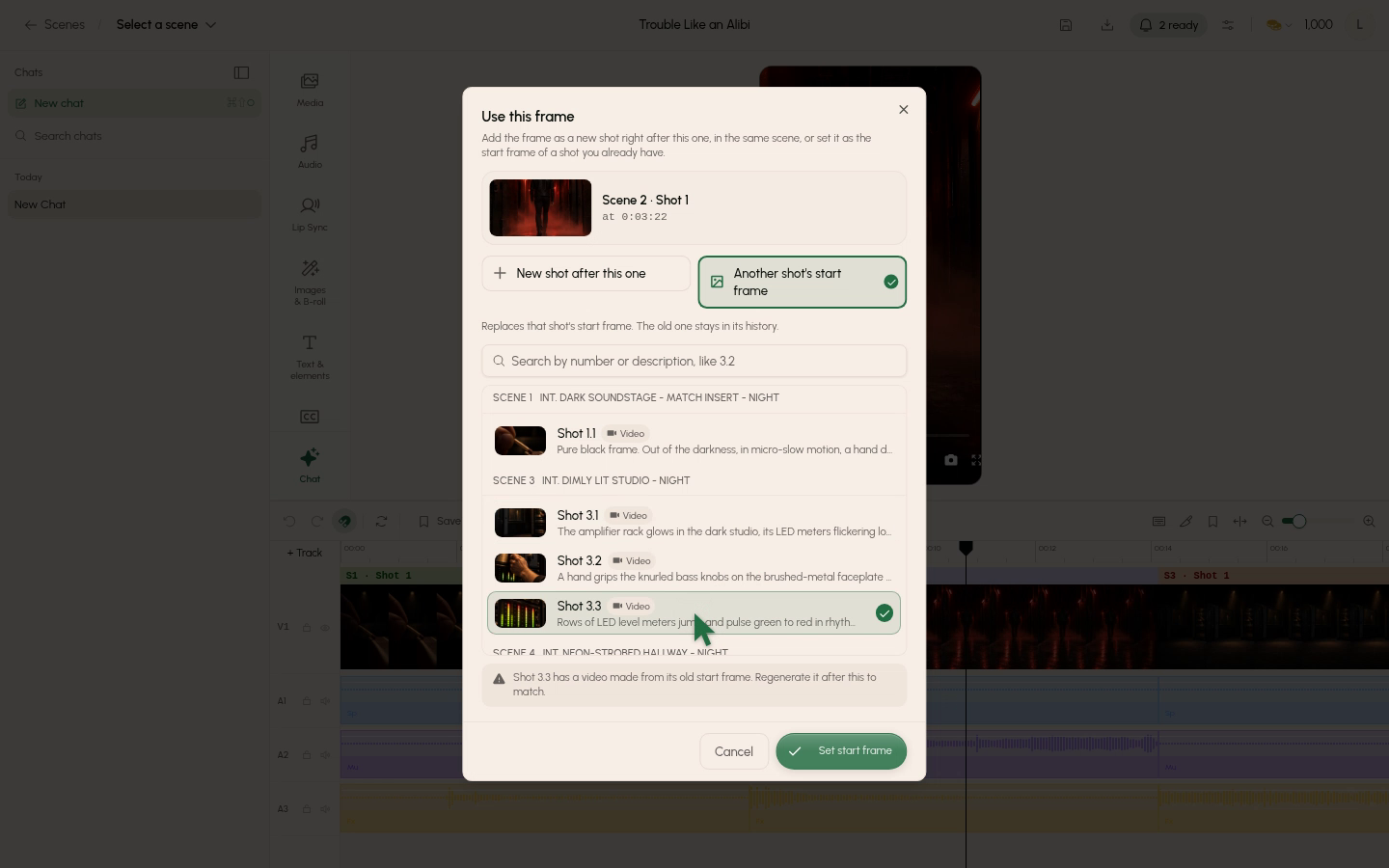
    Use a grabbed frame as another shot's start frame

    Grab a frame in the editor and set it as the start frame of an existing shot.

    0:00
    -0:00
  • Movie Machine · The New Take editor

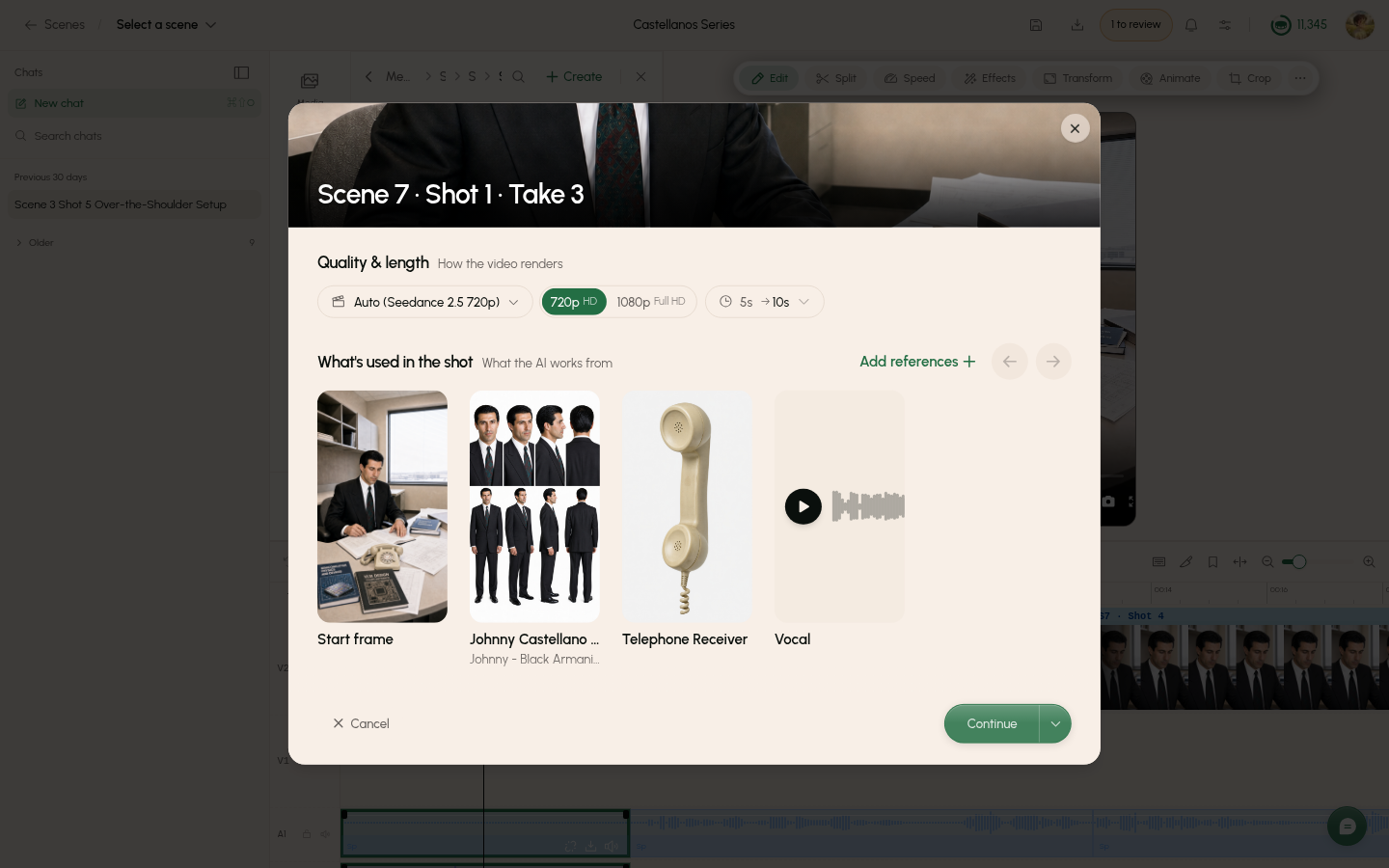
    Use your own recorded vocal as a take's lip-synced audio

    You can now upload a song or spoken line and have the on-screen character lip-sync to it exactly as recorded.

    0:00
    -0:00

Updates for Oct 28, 2026

New features2

  • Movie Machine · Chat

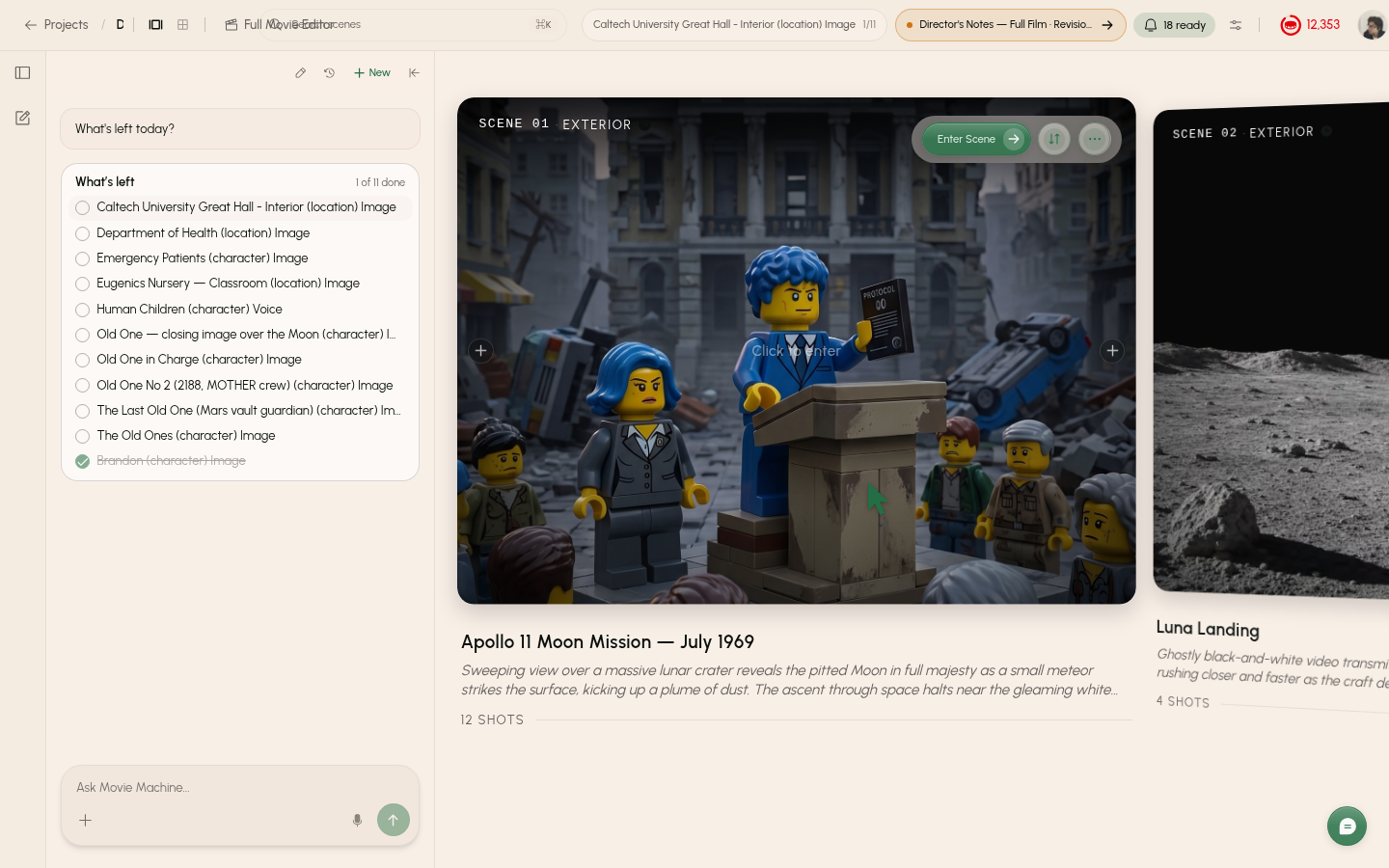
    See and tick your plan tasks right in chat

    Checked-in directors can ask chat what's left and tick plan tasks without leaving the chat.

    0:00
    -0:00
  • Movie Machine · Chat

    Chat on VIP films knows the client and can read their records

    Chat on a VIP film now knows the team's memory of the client and the film, and can read the emails, calls, intake answers, milestone plan and references.

Improvements2

  • Movie Machine · Takes

    Get warned about take setup problems before you pay

    The warnings dialog now flags a start frame that contradicts how the action opens, or props the action uses that nothing places, before you confirm a take.

    0:00
    -0:00
  • Movie Machine · Shots and scenes

    Props start where your shot says they do

    Shots now say where every prop a later cut uses starts, and start frames show props already in the room.

Updates for Oct 26, 2026

New features1

  • Movie Machine · Shots and scenes

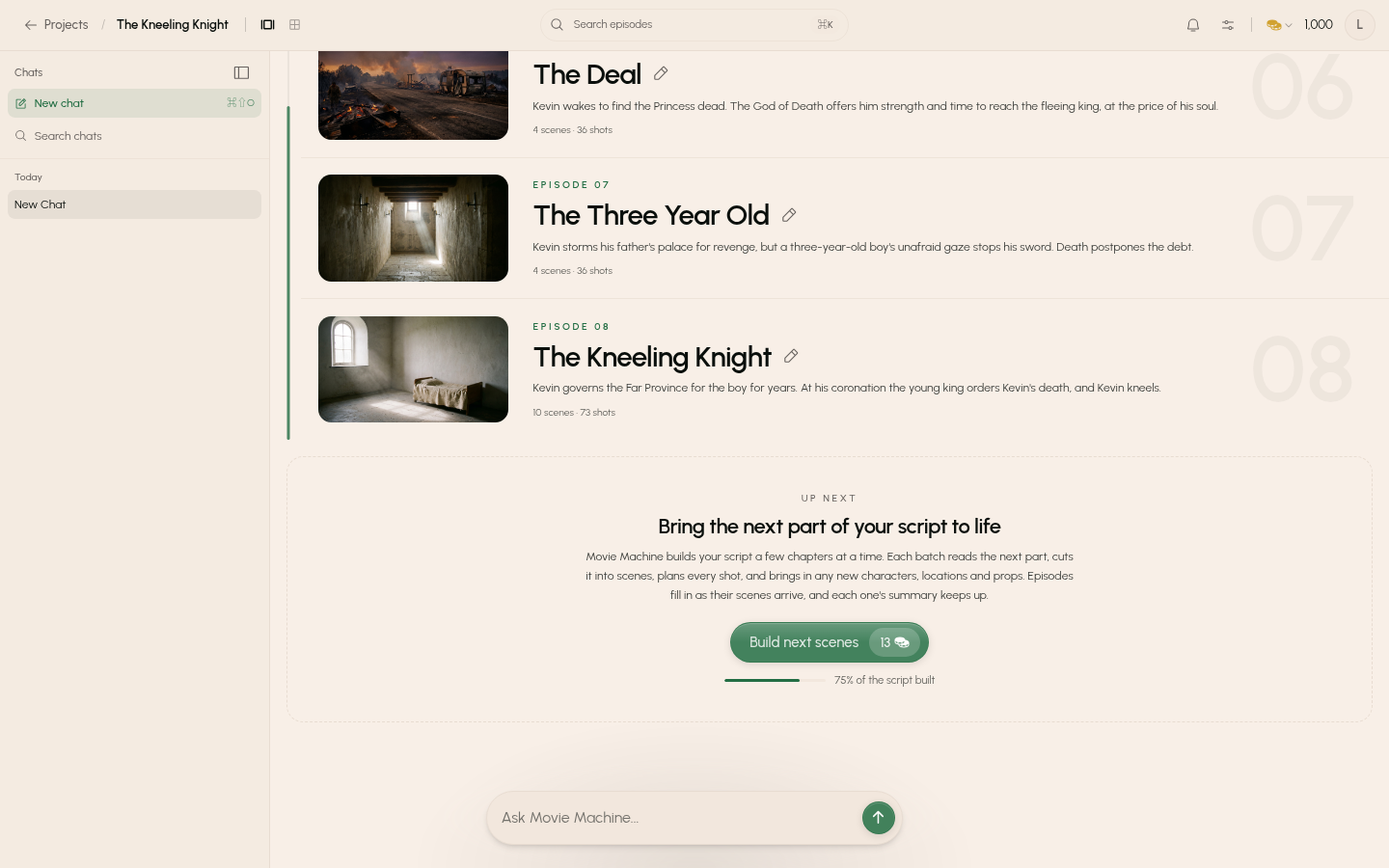
    Episodic scripts open on a season page with episode summaries

    Scripts with episode headers now open on a season page listing each episode with its cover, title and summary.

    0:00
    -0:00

Improvements2

  • Movie Machine · Shots and scenes

    Scenes that cross a build batch edge stay one scene

    A scene that runs across the edge of a build batch now stays one scene instead of splitting in two.

  • Movie Machine · Chat

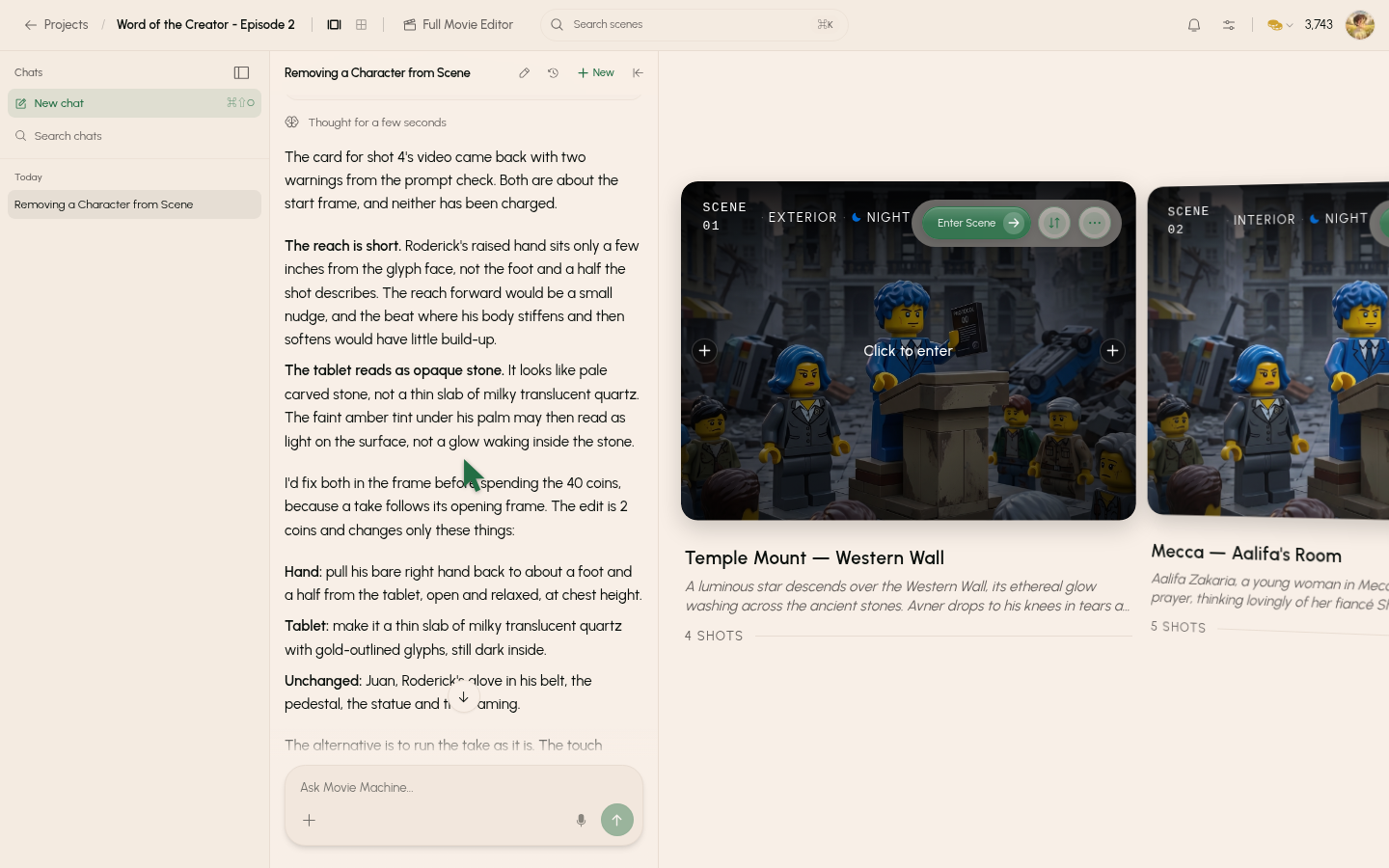
    Chat asks which shot you mean when a request is unclear

    When you say 'that one' or 'it' and nothing settles what you mean, chat now asks before acting.